WhatsApp, Signal, iMessage and many other apps promise end-to-end encryption. It’s a real and valuable protection. But it’s often understood as “nobody can see anything I do”, and that isn’t what it means.
What end-to-end encryption actually does
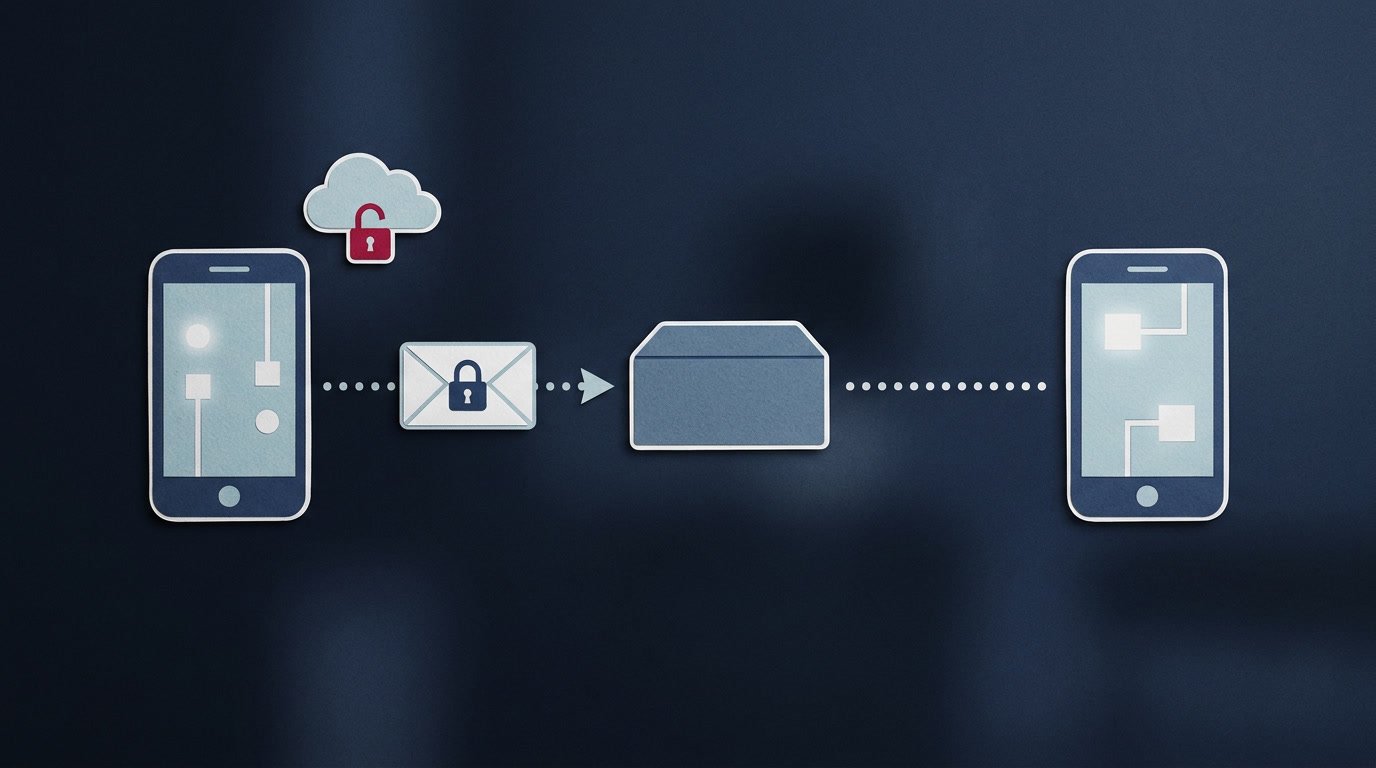
When a message is end-to-end encrypted, it’s scrambled on your device before it leaves, and it can only be unscrambled on the device of the person you’re sending it to. The keys needed to unlock it exist only on those devices.
So the company running the service can’t read the message as it passes through its servers. Neither can anyone who intercepts it along the way — your internet provider, someone on the same public Wi-Fi, or a criminal who breaks into the company’s systems. To all of them, it’s gibberish.
Compare that with ordinary encryption “in transit”, which most websites and email services use. That protects your data on its way to the company, but the company itself can read it once it arrives.
What it doesn’t protect
Who you talk to, and when
Encryption hides what’s in a message. It generally doesn’t hide the facts about it: who you messaged, when, how often and from where. This information is called metadata, and different services collect different amounts of it. Metadata alone can say a lot — a late-night call to a clinic reveals something even if nobody hears the conversation.
Your phone itself
Messages have to be unscrambled so you can read them. Once they’re on your screen, they’re only as safe as your device. Anyone who can unlock your phone can read your chats, and malicious software on a device can see what you see. Your screen lock is part of your encryption, whether you think of it that way or not.
The person at the other end
Encryption gets your message safely to its recipient. What they do with it after that is up to them. They can screenshot it, forward it or show it to someone else.
Your backups
This is the gap people most often miss. Your chats can be end-to-end encrypted as they travel while the backup copy stored in the cloud is not. WhatsApp offers end-to-end encrypted backups, but you have to switch them on yourself, under Settings → Chats → Chat backup. On iPhone, Apple’s Advanced Data Protection extends end-to-end encryption to iCloud backups — and it, too, is an optional setting you have to enable.
Chats that were never end-to-end encrypted
Not every app encrypts every conversation this way. On Telegram, ordinary chats are not end-to-end encrypted; only “secret chats” are, and you have to start one deliberately. Telegram’s own FAQ explains the difference. Most everyday email isn’t end-to-end encrypted either. It’s worth checking rather than assuming.
What to do
- Lock your phone with a PIN, password or biometric, and keep its software up to date.
- Turn on encrypted backups in the messaging apps you use, if they offer them.
- Check which chats are actually encrypted. Most apps say so in the chat’s info or settings screen.
- Hide message previews on your lock screen if other people often see your phone.
- Remember the recipient. If a message would cause real harm in the wrong hands, encryption can’t stop the person you send it to from sharing it.
The short version
End-to-end encryption stops the service, and anyone in the middle, from reading your messages. It doesn’t hide who you talk to, protect an unlocked phone, control what the recipient does, or cover backups you haven’t secured. Used with those limits in mind, it’s one of the best protections you have.
App menus change as apps are updated. If a setting named here doesn’t match your phone, check the app’s own help pages.